UX vs UI: What's the Difference? (Plain-English Guide)
“UX” and “UI” get thrown around as if they’re interchangeable. They’re not. Understanding the difference helps you hire the right people, brief them properly, and build a website that’s both usable and beautiful.
The simplest definition
- UX (User Experience) is about how it works — the structure, flow, and logic that make a product easy and satisfying to use.
- UI (User Interface) is about how it looks — the colours, typography, buttons, and visual details users interact with.
A classic analogy: UX is the layout and floor plan of a house; UI is the paint, fixtures, and furniture. You need both to enjoy living there.
What UX designers actually do
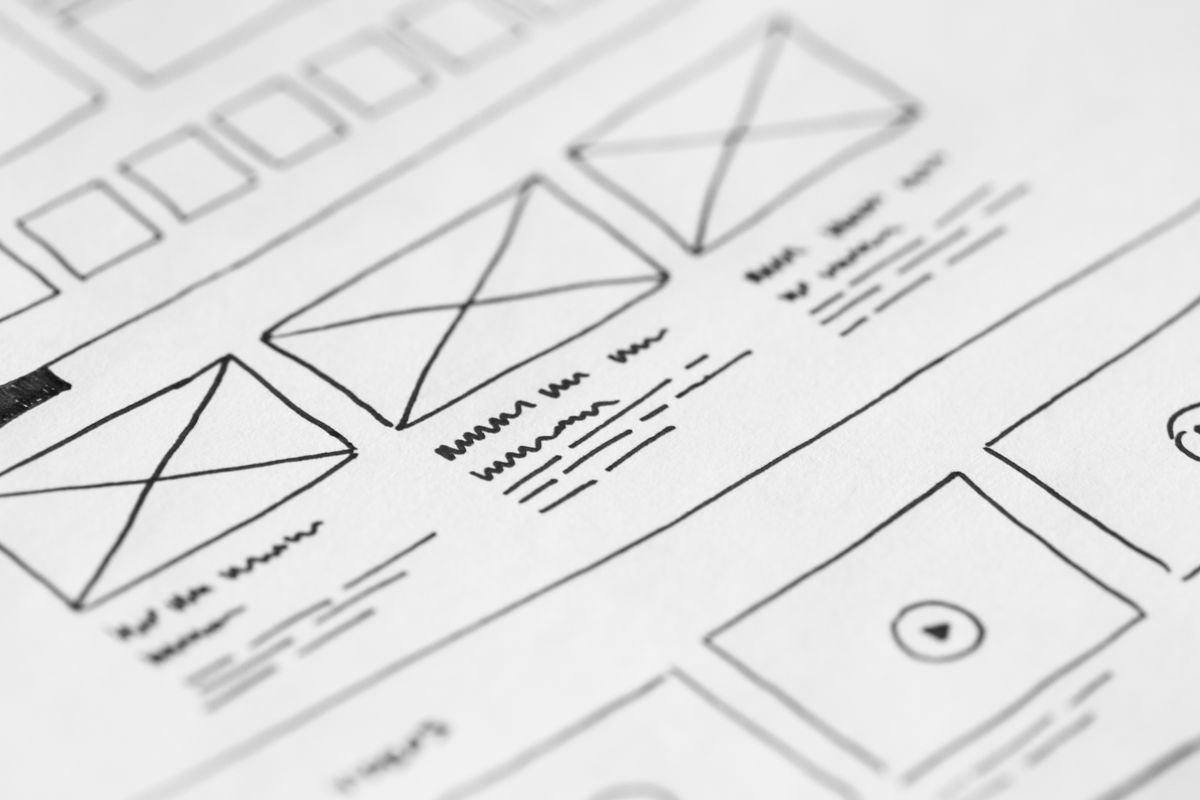
UX work is research- and structure-driven. It includes user research, personas, information architecture, user flows, and wireframes. The discipline was largely shaped by pioneers like Don Norman and the team at the Nielsen Norman Group, whose research remains the gold standard. The goal: remove friction so users accomplish their goals effortlessly.

What UI designers actually do
UI designers translate structure into a polished, on-brand visual interface. They handle layout, colour, typography, spacing, iconography, and interactive states. Great UI makes the experience feel intuitive and trustworthy — and reinforces your brand. Communities like Awwwards and Dribbble showcase the craft at its best.
How UX and UI work together
Strong UX with weak UI feels clunky and cheap. Beautiful UI with poor UX is frustrating — a gorgeous site you can’t navigate. The magic happens when both align: a logical structure dressed in a clear, attractive interface. Modern tools like Figma let UX and UI work happen side by side, from wireframe to high-fidelity prototype.
Why this matters for your website
When you understand the distinction, you can diagnose problems precisely. Low conversions despite a pretty site? Likely a UX issue. High bounce rates and a dated look? Probably UI. Both ultimately serve one purpose: helping visitors take action. That’s the same principle behind high-converting websites.
Do you need a specialist for each?
For smaller projects, one designer often handles both. For complex apps, separate UX and UI specialists make sense. Either way, the work must be informed by usability principles — resources like the Interaction Design Foundation and Smashing Magazine are excellent for going deeper.
The takeaway
UX and UI are partners, not rivals. Invest in both and you get a website that’s a pleasure to use and a pleasure to look at. If you’d like a team that handles the full picture, explore our web design service.
Further reading
Need a hand with your project?
Get a free quote from our team — no commitment required.